Orbit
Working across Mac windows
Experimental
Swift, SwiftUI, AppKit
An iPad becomes a control surface
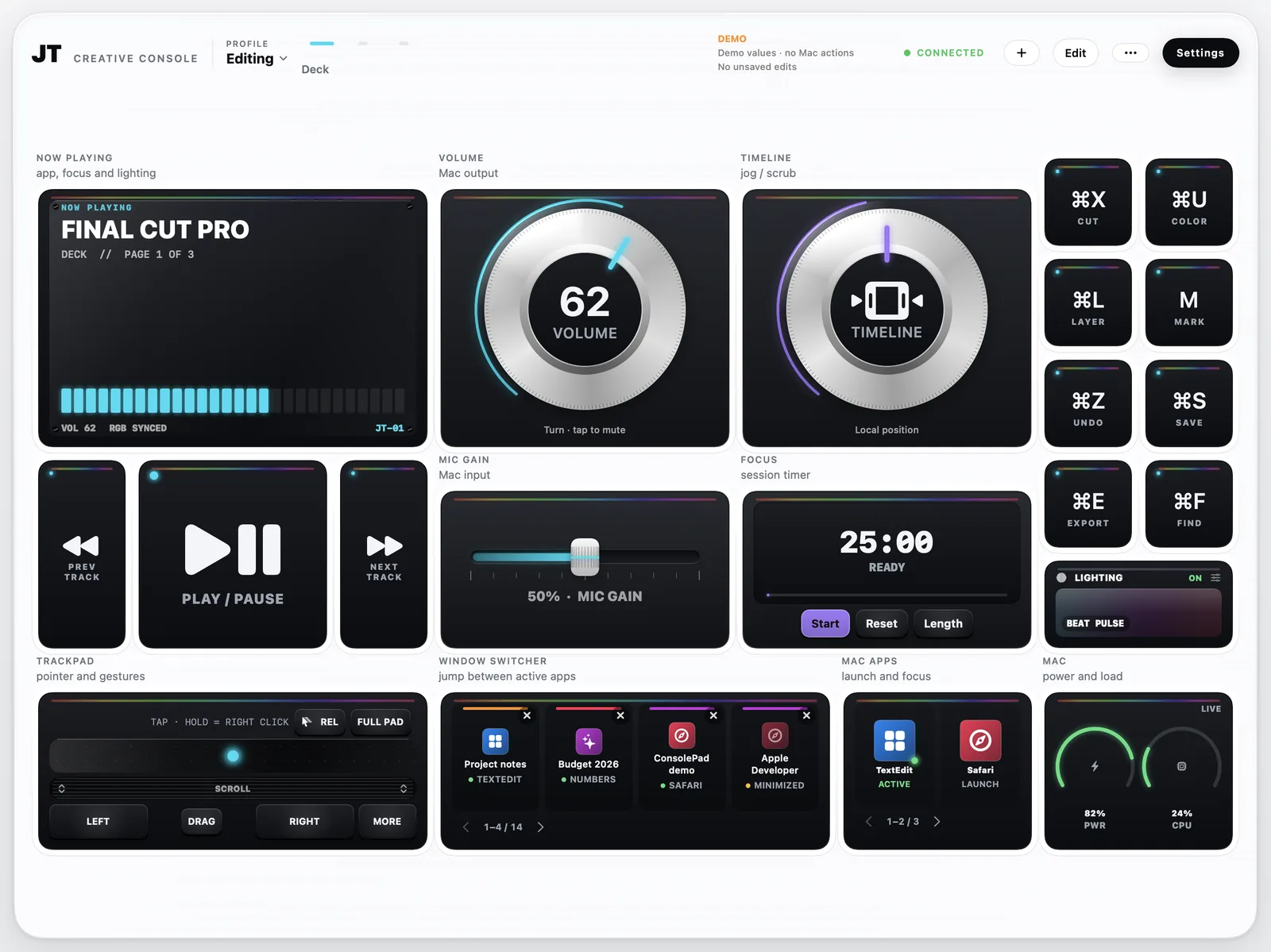
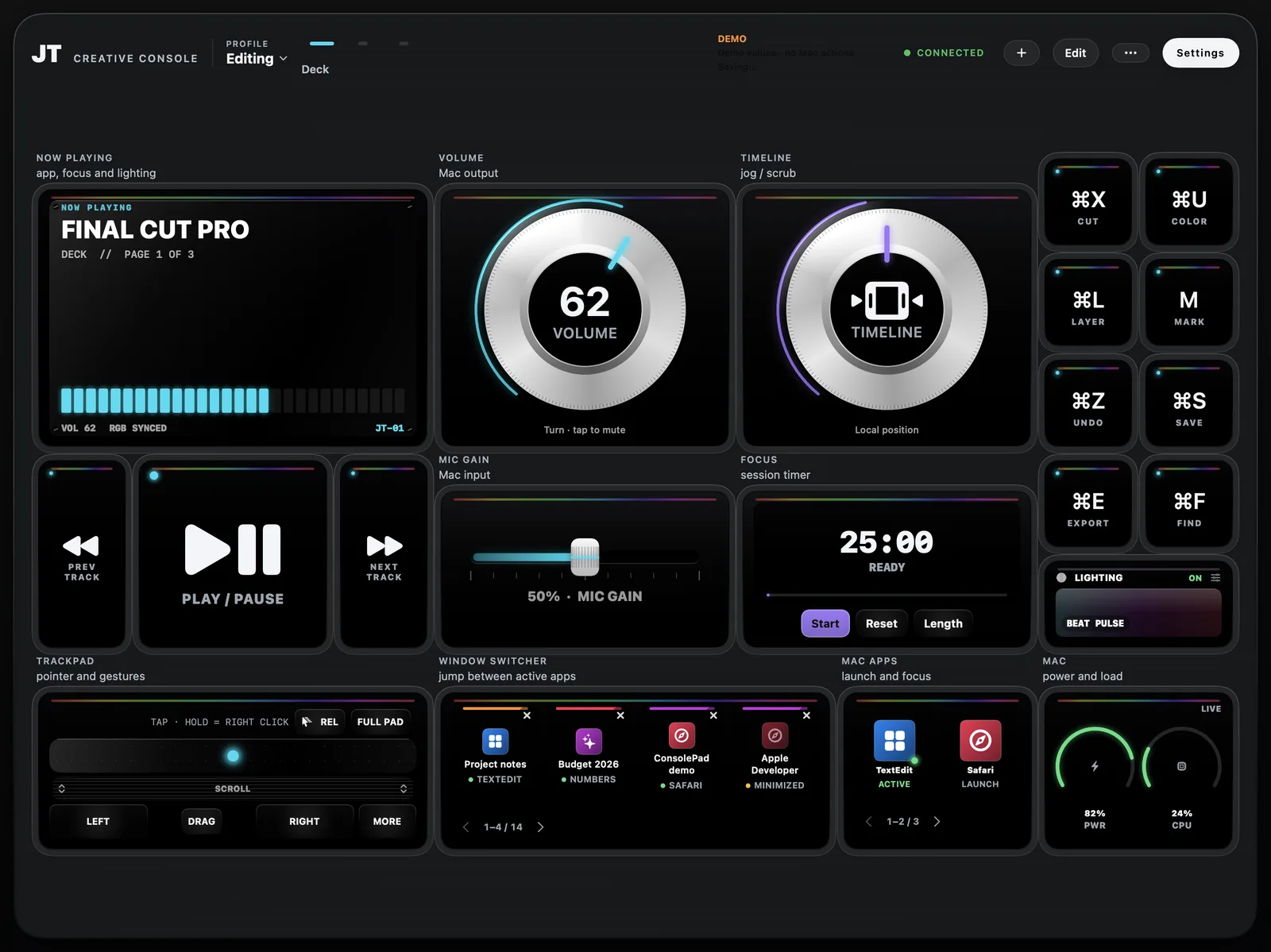
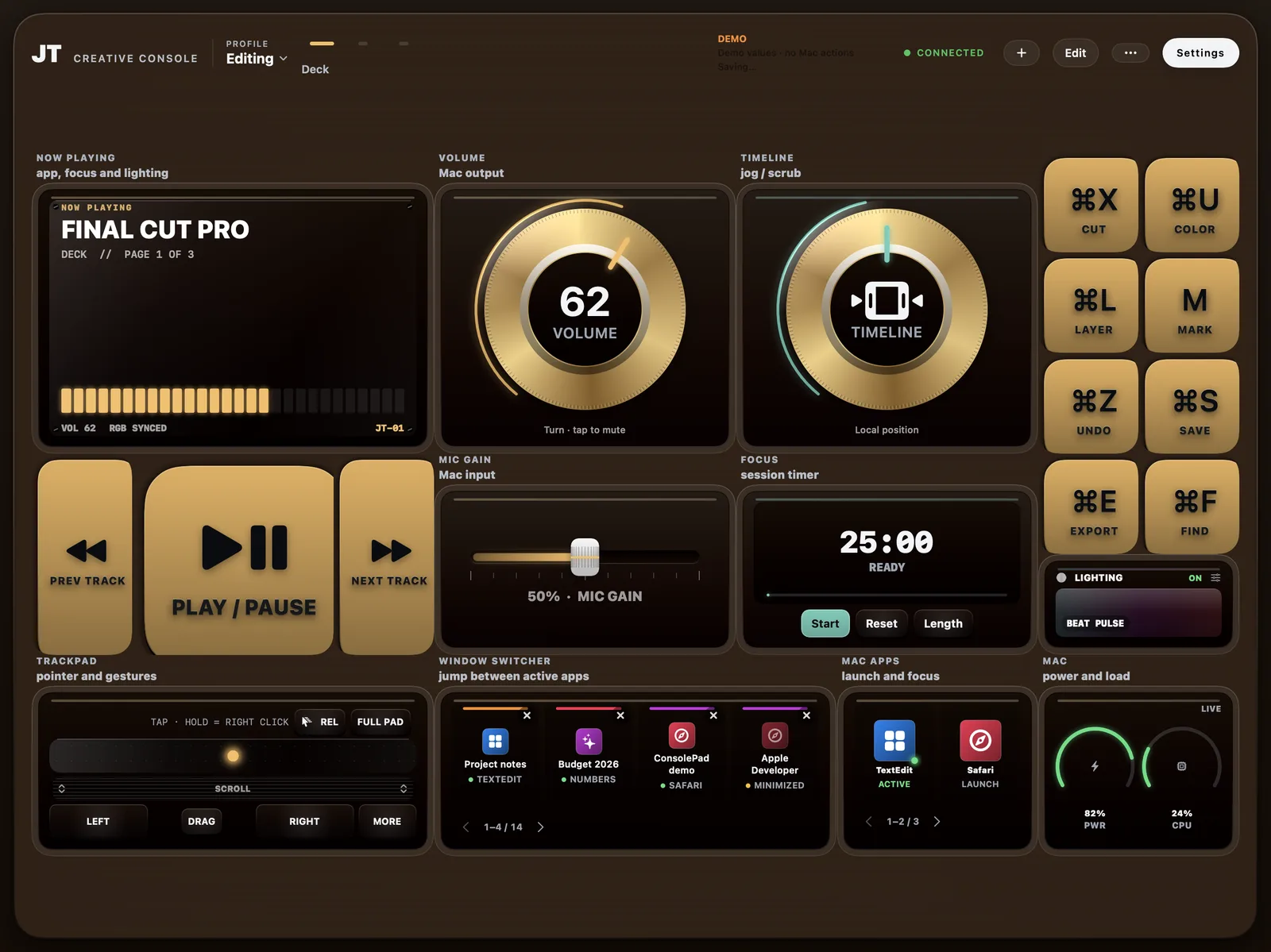
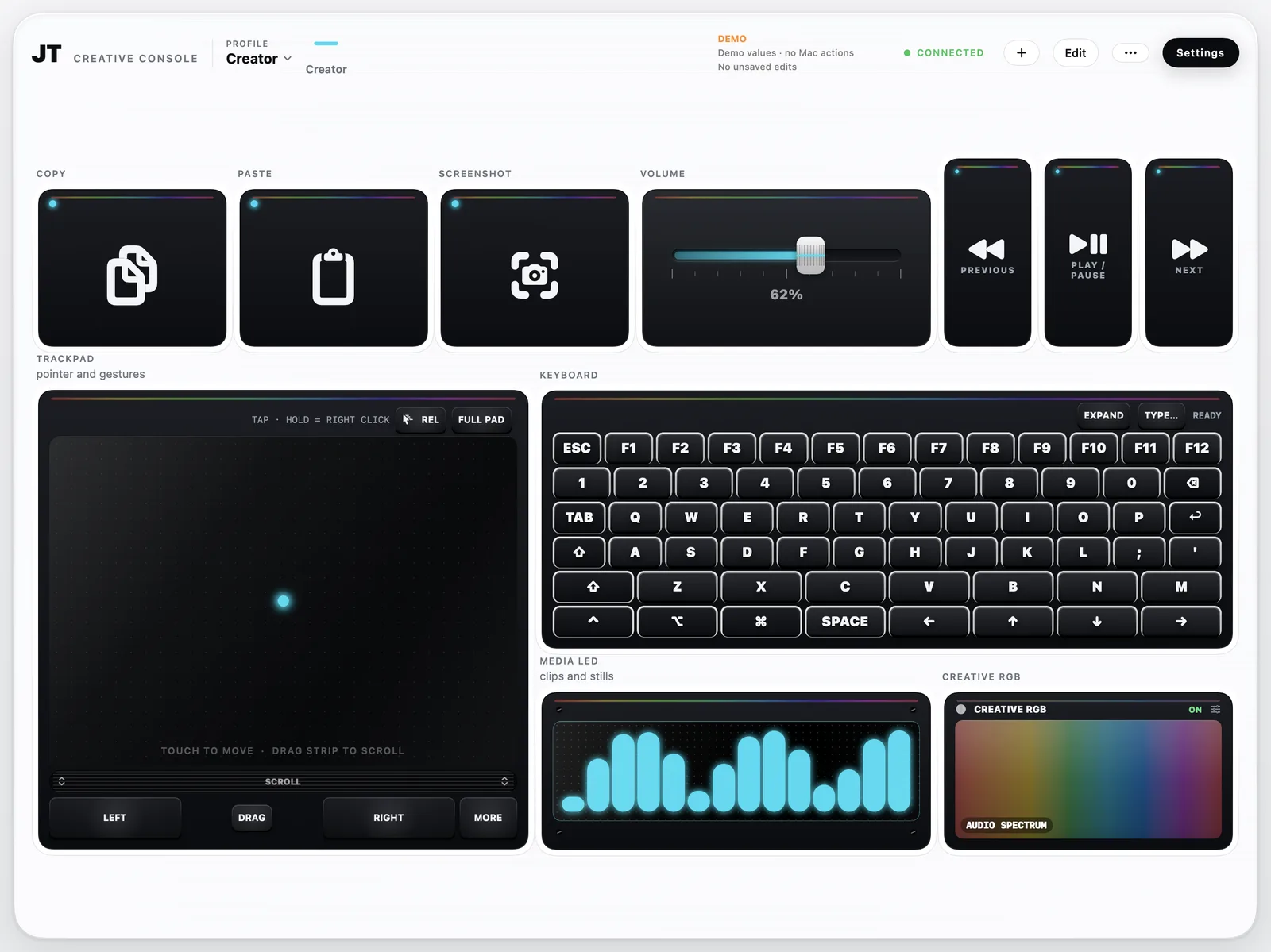
An iPad turned into a hardware-style console for a Mac: dials, faders, keys, LED screens, app launchers and window switchers on a grid you design.
Not released yet. This page follows it as it's built.
The project
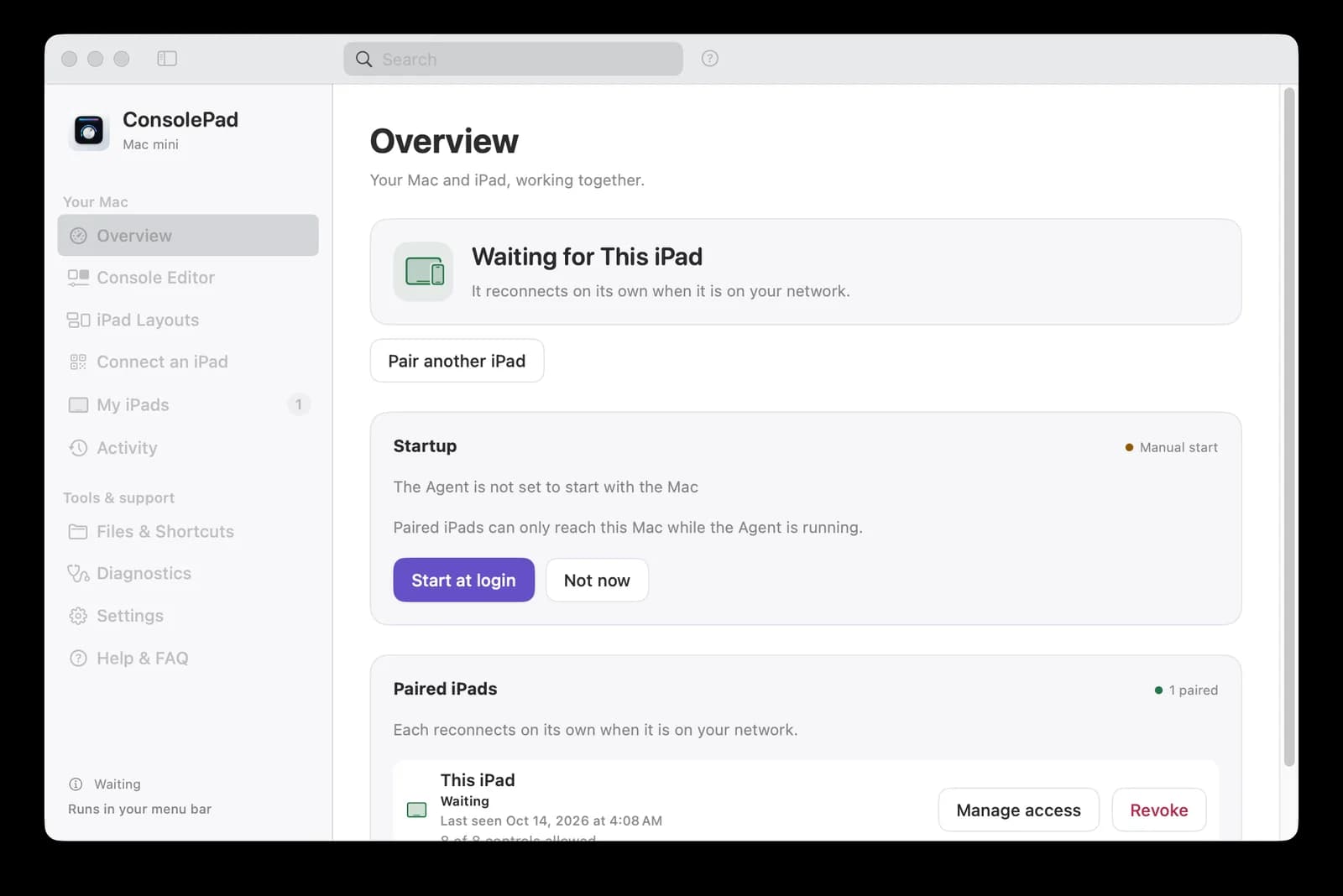
A small menu-bar companion on the Mac, the ConsolePad Agent, carries out only the controls you approve, over an authenticated connection on your local network. There is no account and no server. The iPad app has a console editor with finishes, pages, per-app decks and an offline demo; the Mac Agent adds pairing, per-iPad permissions, Siri and Shortcuts actions and an optional local bridge for AI assistants.
iPad console · Mac Agent · Siri and Shortcuts · local only
Learning by building
A look inside
Working across Mac windows
Experimental
Swift, SwiftUI, AppKit
Fantasy football on your own computer
Contributor preview · open source
TypeScript, Node.js, React
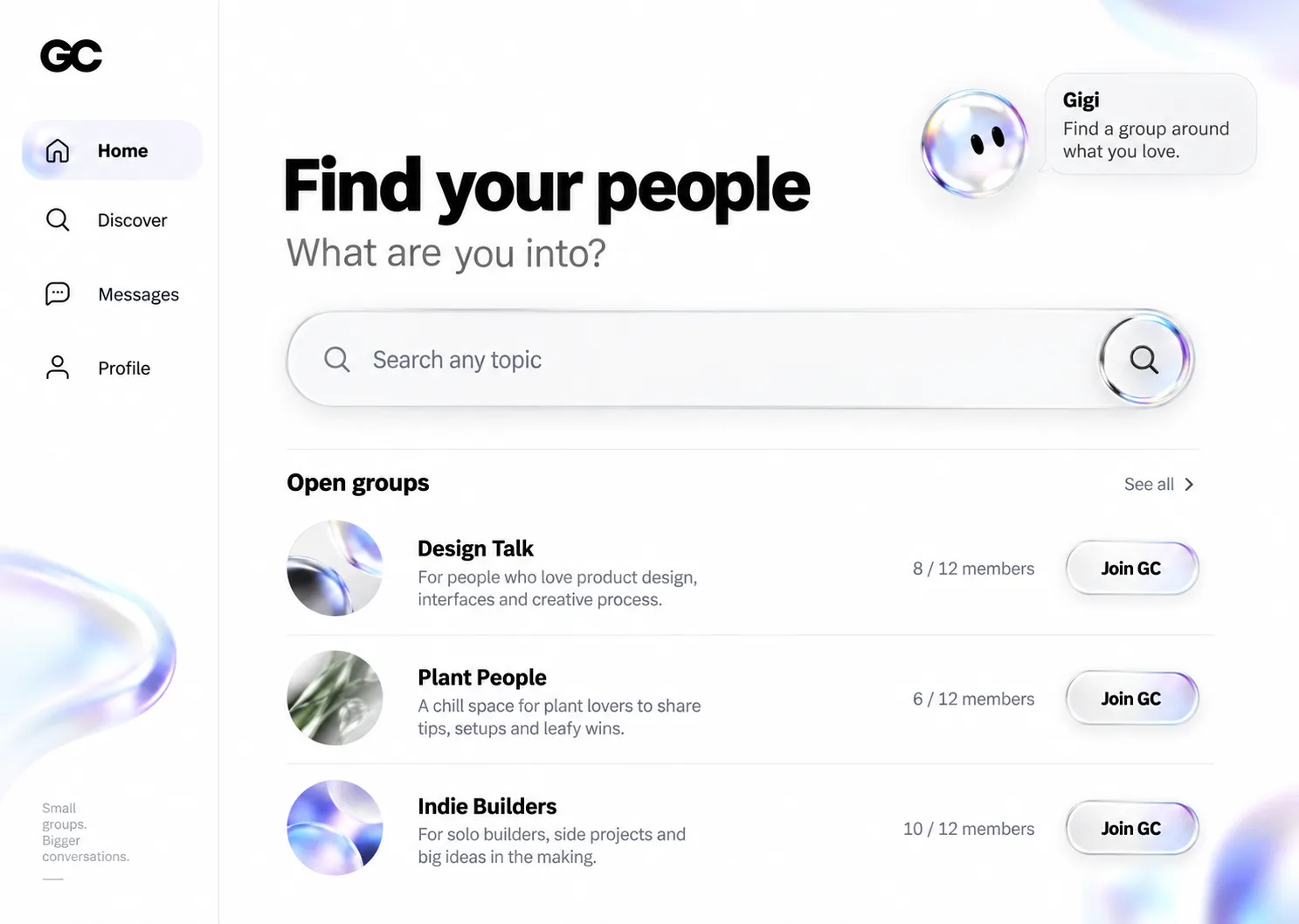
Small group chats around shared interests
In development
Next.js, React, TypeScript